Google Translate's Live Translate is now on iOS. | Video by Google
Google Translate's handy feature debuted in December 2025, with more than 70 languages available from the get-go, including Greek, Estonian, Indonesian, Finnish, Icelandic, Bulgarian, and many more.
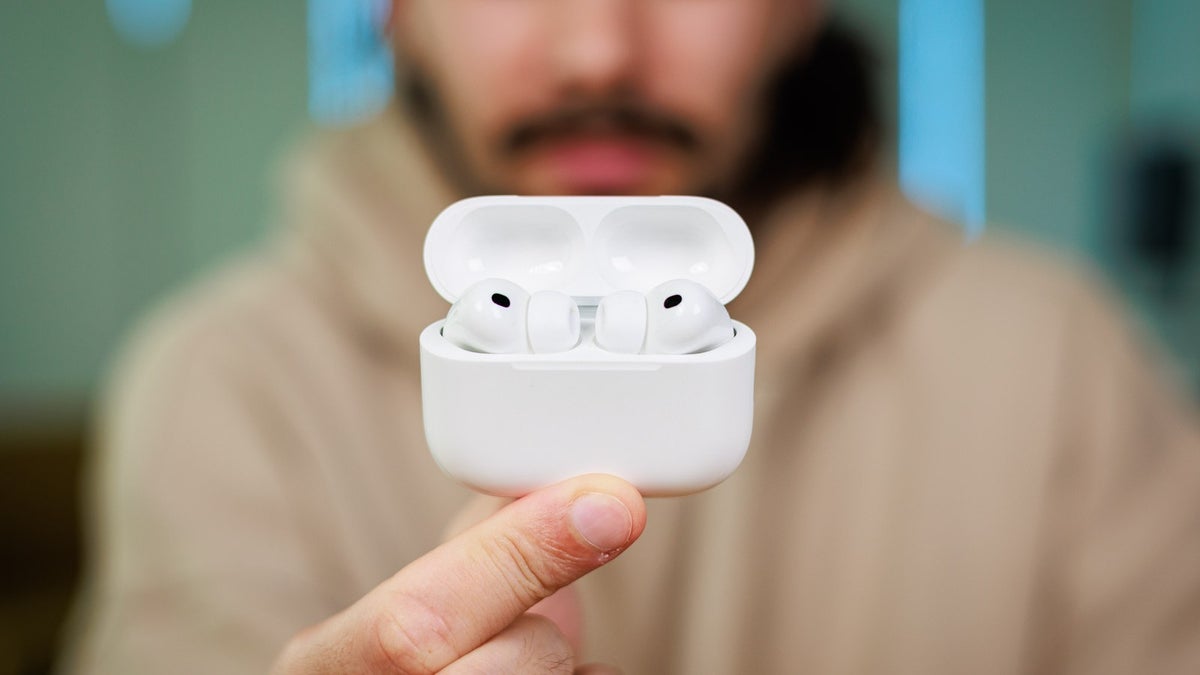
Starting March 26, Apple phone users will also be able to hear real-time translations in over seven dozen languages on their headphones.
Recommended For You
Beyond rolling out the feature to iOS users for the first time, Google is also expanding Live Translate to more countries. From now on, users in Italy, Japan, Thailand, the UK, France, and Germany will be able to communicate with locals or understand a lecture in a foreign language.
What's the most important factor for a trasnlation app?
How to use Live Translate on Apple devices
According to Google, Live Translate now works on iOS with and without headphones, giving users more flexibility. To use the feature, follow the steps below.
How to set up Google Translate's Live Translate on iPad or iPhone:
Connect your headphones to your iOS device
Open the Translate app
Tap Live Translate at the bottom
Choose your preferred Live Translation mode and pick languages
Tap any part of the text to hear a translation
Tap Speak if you want to pause or resume translation
Once finished, tap Back to exit translation
Available Live Translation modes
Listening — only works when you've paired your headphones with your iOS device. It's ideal for real-time translations.
Conversation — allows you to play translations on your speakers or headphones. With this mode, users take turns speaking.
Text only — shows translated transcripts of what's being said.
Custom — allows users to customize their Live Translation experience, choosing between the three main listening modes in different situations.
Siri, it's time to hit the bench
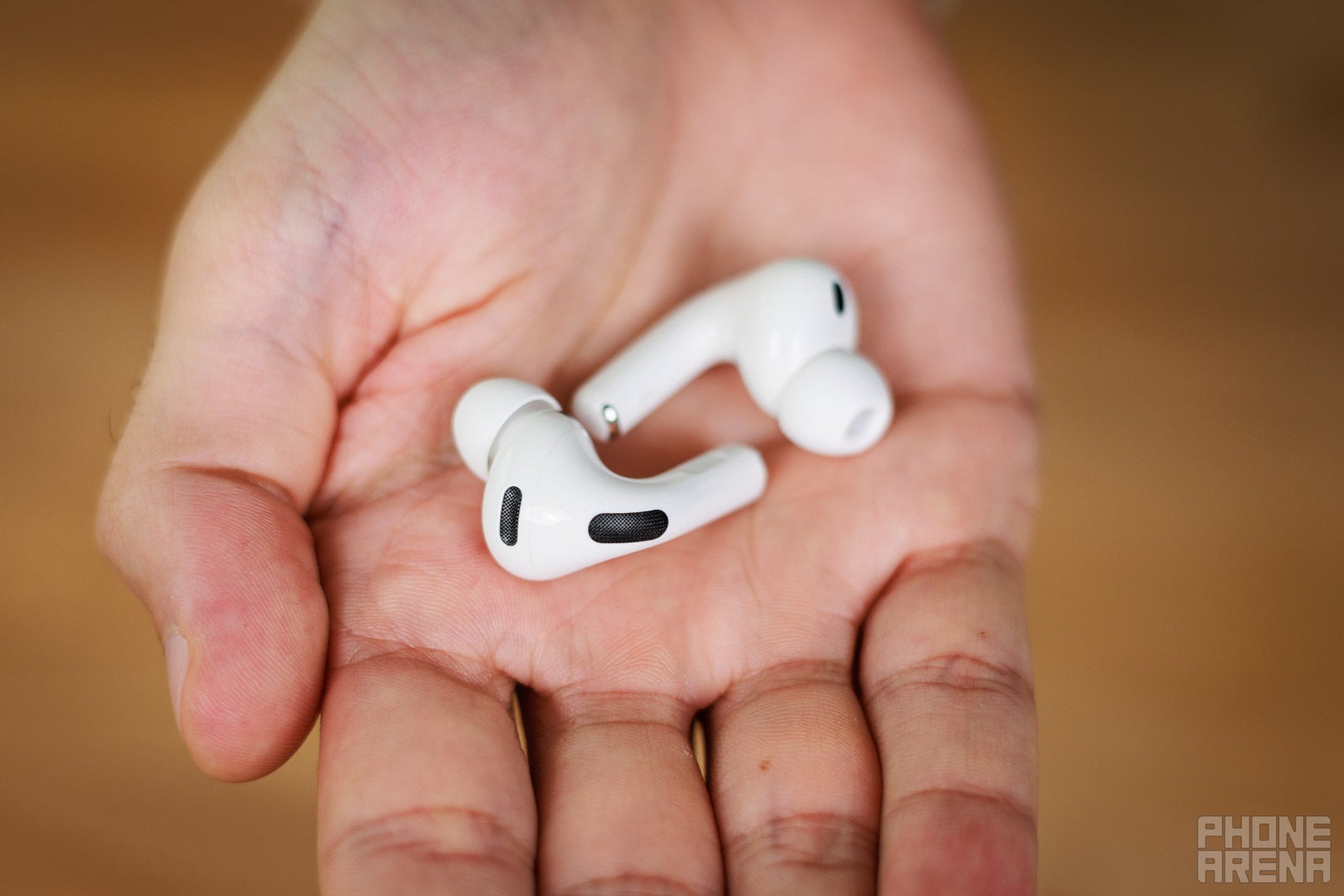
The AirPods Pro 3 will now let you communicate with others in many more languages. | Image by PhoneArena
While Apple Intelligence provides real-time translation features for iPhones, iPads, and AirPods, the Cupertino tech giant has yet to expand Live Translate for many languages.
In contrast, Google doesn't care whether you're on Android or iOS. It simply wants to bring you closer to AI. On top of that, unlike Apple, which often limits its most premium features to the latest earbuds, Google's Live Translate feature works on any pair of headphones, even older models (as long as they're connected with a compatible device, of course).
To me, the conclusion is clear. When it comes to bridging language barriers, Apple just doesn't do it so well.
Polina Kovalakova, a News and Affiliate Content Writer, has nurtured a passion for mobile technology since the era before smartphones. With a history of exploring a variety of devices, her insights into the mobile world are both broad and nuanced. Polina's non-partisan view extends to appreciating nearly every smartphone brand, a reflection of her open-minded approach to technology. Polina is equally passionate about uncovering the best online deals, tirelessly working to ensure her readers snag top-tier tech at unbeatable prices.
A discussion is a place, where people can voice their opinion, no matter if it
is positive, neutral or negative. However, when posting, one must stay true to the topic, and not just share some
random thoughts, which are not directly related to the matter.
Things that are NOT allowed:
Off-topic talk - you must stick to the subject of discussion
Offensive, hate speech - if you want to say something, say it politely
Spam/Advertisements - these posts are deleted
Multiple accounts - one person can have only one account
Impersonations and offensive nicknames - these accounts get banned
To help keep our community safe and free from spam, we apply temporary limits to newly created accounts:
New accounts created within the last 24 hours may experience restrictions on how frequently they can
post or comment.
These limits are in place as a precaution and will automatically lift.
Moderation is done by humans. We try to be as objective as possible and moderate with zero bias. If you think a
post should be moderated - please, report it.
Have a question about the rules or why you have been moderated/limited/banned? Please,
contact us.












Things that are NOT allowed:
To help keep our community safe and free from spam, we apply temporary limits to newly created accounts: